

Easy Read and Plain Language: Writing Content People Understand
Easy Read and plain language sound alike but serve different readers. Learn the difference and how to make your web copy, headings and links easier to understand.
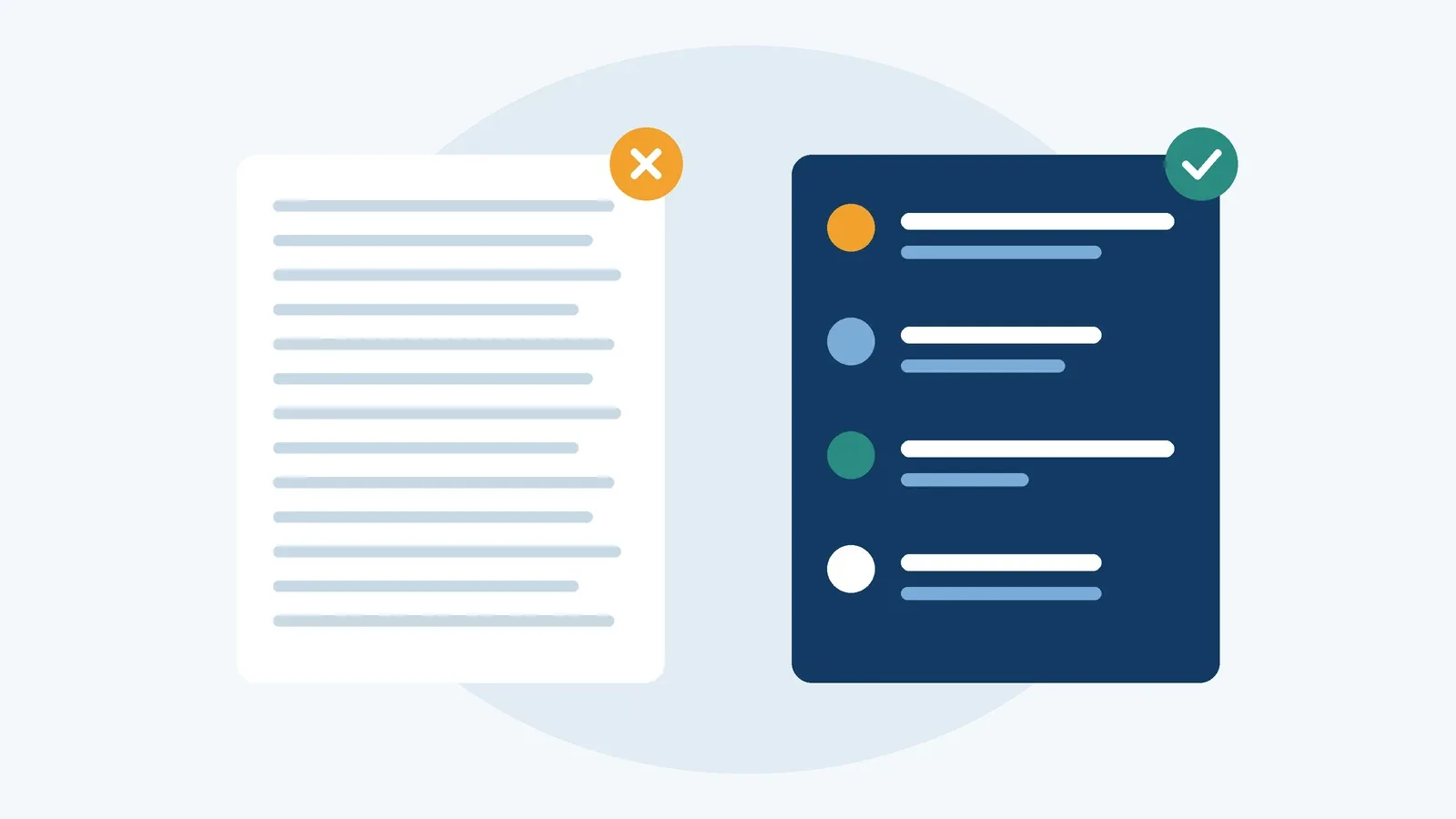
A website can be technically flawless: clean code, good contrast, fully keyboard accessible. But if the content is made up of nested sentences, jargon and bureaucratic phrasing, many people still hit a wall. They can operate the page, but they can’t understand it.
That’s why understandability is an accessibility topic in its own right. Two approaches come up again and again: Easy Read and plain language. In German, they’re known as Leichte Sprache and Einfache Sprache. They’re often confused, but they have different rules, audiences and use cases.
In this article, we’ll untangle the two, look at the legal context – with a focus on Germany, where Easy Read is explicitly required for public sector websites – and then get practical: how to make your web copy, headings and link text easier to understand. You’ll also learn what WCAG’s reading level criterion asks for.
Why understandability is an accessibility issue
When people think of accessibility, they often think of screen readers or wheelchairs first. But many barriers sit between the text and the reader’s understanding. They affect people with learning disabilities, people living with dementia or with aphasia after a stroke, Deaf people for whom a written language is a second language after sign language, and people who are still learning the language of the site.
On top of that, many adults have limited literacy skills. In Germany, the LEO study by the University of Hamburg puts that number in the millions, and similar surveys in other countries come to comparable conclusions. And everyone else benefits too: when you’re stressed, reading on your phone on the go, or stepping into an unfamiliar field, clear writing is a relief.
WCAG groups these topics under the principle “Understandable”. To see how the four principles fit together, read our article on the WCAG principles.
Easy Read: strict rules for a specific audience
Easy Read is a heavily simplified form of a language with fixed rules. It’s primarily aimed at people with learning disabilities and was developed together with them. Across Europe, the “Information for all” standards published by Inclusion Europe are a widely used reference. In Germany, Leichte Sprache follows a rulebook from the Netzwerk Leichte Sprache, alongside research-based guidelines such as those from the University of Hildesheim.
The details vary by language, but the core rules are similar:
- Short sentences with only one idea each.
- Familiar, everyday words instead of jargon or foreign terms. If a difficult word is unavoidable, it gets explained.
- Active voice and verbs rather than nouns built from verbs.
- Numbers as digits, no abbreviations.
- Every sentence on a new line, a large font, and images that support the text.
German adds a few language-specific rules – for example, long compound nouns are split with a hyphen or a middle dot, so a word like Busfahrkarte (bus ticket) becomes Bus-Fahrkarte or Bus·fahrkarte.
A key part of Easy Read is testing with the target audience. People with learning disabilities read the text and point out anything they don’t understand. Only after that review does a text count as Easy Read under these rulebooks. That’s why many translation agencies work with dedicated review groups.
An example
Here’s how a sentence from a city council website might look:
Standard language: “Applications for a residents’ parking permit will only be processed upon submission of valid proof of residence together with the vehicle registration certificate.”
Easy Read:
You live in the city center.
You have a car.
You can get a parking permit.
You need 2 papers for this.
Paper 1 shows where you live.
Paper 2 is the registration paper for your car.
The text got longer. That’s normal: Easy Read spells out connections that standard texts take for granted.
The legal context
In Germany, Easy Read isn’t optional for federal public bodies. The Disability Equality Act (BGG) includes a section on understandability and Easy Read, and the federal web accessibility regulation (BITV 2.0) requires public sector websites to provide explanations in Easy Read and German Sign Language on their home page – covering, among other things, the main content, navigation and the accessibility statement. The German states have their own, often similar rules. You can learn more about these statements in our article on accessibility statements.
For businesses, the European Accessibility Act (EAA) – implemented in Germany as the BFSG – doesn’t mandate Easy Read. It does, however, require information to be presented in an understandable way. Note: this section is general information, not legal advice.
Plain language: clear for as many people as possible
Plain language is less strictly defined. It sits between Easy Read and standard language and targets a broad audience. Sentences can be a bit longer, subordinate clauses are fine, and so are technical terms as long as they’re explained. The goal is copy that reads naturally for everyone without making anyone feel talked down to.
Since 2023, there’s also an international standard: ISO 24495-1 sets out governing principles for plain language. The core idea is always the same: readers can find what they need, understand it and use it.
Our example in plain language:
“Want a residents’ parking permit? Bring two documents when you apply: proof of your address and your vehicle registration certificate.”
The official term stays, because that’s what’s printed on the document. It just doesn’t stand alone anymore.
Which one should you use?
The two aren’t mutually exclusive – they complement each other. A good rule of thumb:
- Plain language is your default for anything many people need to read: product pages, help content, forms, error messages, FAQs.
- Easy Read is an additional offering for people who still struggle with plain language. Typical formats are a dedicated section with the most important information or Easy Read versions of key pages.
Don’t replace all your standard content with Easy Read. Many readers find it unusual, and a clearly signposted, separate section is easier for the target audience to find anyway. Link to it prominently – in the header, for example, with a clear label and a recognizable icon.
Clearer web copy: what helps right away
Even without an Easy Read translation, you can make your content much more accessible. These techniques work on any website:
Lead with what matters. People skim web pages. Start with the answer, not the backstory. Anyone who wants more detail will keep reading.
Use verbs, not noun stacks. “Upon completion of the review of your documentation, dispatch of the decision will take place” becomes “We’ll review your documents and then send you our decision.” Active sentences also make it clear who does what.
One idea per sentence, one topic per paragraph. Short, focused paragraphs are easier to take in, especially on small screens.
Explain jargon and abbreviations. WCAG covers this in two AAA criteria: 3.1.3 Unusual Words and 3.1.4 Abbreviations. In practice, that means explaining terms the first time they appear, spelling out abbreviations on first use, or offering a glossary.
Be consistent. If “cart”, “basket” and “order summary” all mean the same thing on one site, people get confused. Keep a terminology list and stick to it.
Use real lists for lists. Steps and enumerations belong in proper list markup. That helps readers and lets screen readers convey the structure.
Mark up the language. For screen readers to pronounce text correctly, the page language and any passages in other languages need to be declared in the code, for example with lang="en". That’s covered by 3.1.1 Language of Page and, for individual passages, by 3.1.2.
Headings that do the heavy lifting
Headings are your page’s table of contents. Sighted readers skim them, and screen reader users jump from heading to heading with a single key. Either way, a heading needs to say what the section is about. That’s what 2.4.6 Headings and Labels requires.
- Before: “General”, “More information”, “Miscellaneous”
- After: “Who can get a parking permit”, “Documents you need”, “What the permit costs”
The headings in the “after” example make sense on their own. Someone who reads only them still understands how the page is organized. Also make sure you use a logical hierarchy with real heading elements rather than bold text. That falls under 1.3.1 Info and Relationships.
Link text that says where it goes
“Click here”, “more” and “read more” are the classic meaningless link texts. Screen readers can list every link on a page, and in that list you’ll see “more” ten times in a row with no context at all. 2.4.4 Link Purpose (In Context) requires that a link’s purpose be clear from its text or its immediate context.
- Before: “You can find the application form here.”
- After: “Download the parking permit application (PDF, 2 pages)”
The improved link describes the destination and the action and flags the file format. If a link opens a new window or leads to content in another language, say so as well.
Reading level: what WCAG 3.1.5 asks for
3.1.5 Reading Level is a Level AAA criterion. It says that when text requires reading ability beyond the lower secondary education level – roughly what someone has after about nine years of school – you need to provide supplemental content or a version that doesn’t require that level. Proper names and titles don’t count.
Supplemental content can be a short summary at the top, explanatory illustrations, a video, or a plain language or Easy Read version. For complex topics like contracts, health or finance, a summary up front is a realistic and valuable first step.
AAA criteria usually aren’t legally required, including through the European standard EN 301 549. But they make an excellent compass. Readability formulas such as Flesch Reading Ease can point out where sentences and words get too long. They only measure surface features, though. The most reliable way to find out whether a text is understandable is to test it with real readers.
Adding Easy Read content to your website
If you’re planning an Easy Read offering, start with the content people need most: What does the organization do? How can people get in touch? How does the most important process work? A few well-made pages beat a half-hearted translation of the whole site.
Budget time and money for translation and review. AI tools can produce first drafts in plain language or Easy Read and are genuinely useful for simplifying text. But they sometimes distort content or leave out important details. They don’t replace subject-matter review or testing with the target audience.
Think about design, too: a large enough font, plenty of white space, left-aligned text without justification, and images that support the text rather than decorate it. Those images follow the same rules as everywhere else – see our article on writing alt text.
Checklist
- The most important information comes first on every page and in every section.
- Sentences are short, active and contain one idea.
- Technical terms and abbreviations are explained on first use.
- The same things have the same name everywhere.
- Headings describe their content and follow a logical hierarchy.
- Link text says where the link goes, even out of context.
- The page language and any foreign-language passages are marked up in the code.
- Complex content has a short summary or a simpler version.
- Public sector sites in Germany provide the required Easy Read explanations.
- Easy Read content has been reviewed by the target audience.
Conclusion
Easy Read and plain language share the same goal but take different routes. Easy Read is a tightly defined offering for a specific audience and needs translation and review. Plain language is a mindset you can apply to every piece of content, from help text to error messages.
The biggest wins often come from everyday habits: clear headings, descriptive links, active sentences and explained jargon. They cost almost nothing extra and make your website better for everyone. You’ll find more criteria under the “Understandable” principle in the WCAG guide.
Sources
- W3C: Understanding Success Criterion 3.1.5 Reading Level (opens in a new tab)
- W3C: Making Content Usable for People with Cognitive and Learning Disabilities (opens in a new tab)
- Inclusion Europe: Easy-to-read (opens in a new tab)
- Netzwerk Leichte Sprache (German) (opens in a new tab)
- BITV 2.0 – German federal web accessibility regulation (German) (opens in a new tab)