

Articles
Blog
Practical knowledge on digital accessibility – from the basics to the European Accessibility Act and screen reader testing.
No entries for this selection.
Digital accessibility: what it means and who it helps
Digital accessibility affects far more people than most teams assume. Learn what it really means, which myths keep hanging around and how to get started in a sensible way.
Germany’s BFSG: What the Accessibility Act Asks of You
Since 28 June 2025, Germany’s BFSG has made accessibility mandatory for many consumer-facing digital services. Who is covered, what is required and how to get started.
Accessibility Testing: Tools, Manual Checks and a Test Plan
Automated tools only catch part of the problem. Here’s how to combine tools, manual checks, user testing and formal audits into a test plan your team can actually follow.
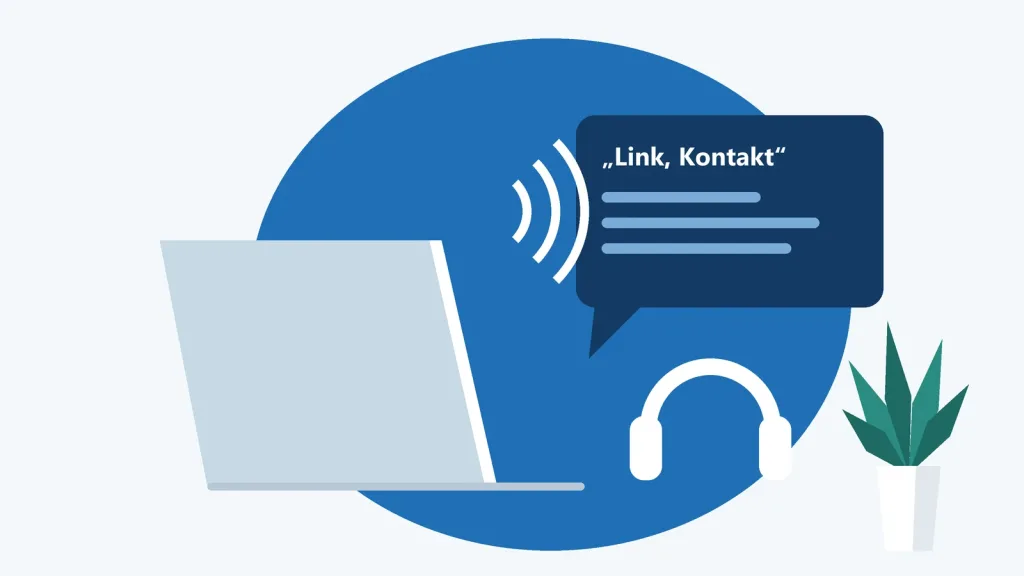
The 15-Minute Screen Reader Test: Listen to Your Website
With NVDA, VoiceOver or TalkBack, you can uncover in fifteen minutes many barriers that automated tools miss. Here are the essential commands and a ready-to-use test routine.
Accessibility Statements: What Goes In and What Often Goes Wrong
Public sector accessibility statement or accessibility information under the EAA and Germany’s BFSG? How they differ, what’s mandatory and which mistakes to avoid.
Accessible Forms: Labels, Error Messages and Logins Without Hurdles
Forms decide whether people check out, sign up or give up. Here’s how to build fields with clear labels, helpful error messages and a login that doesn’t lock anyone out.
Keyboard and Focus: Making Your Website Work Without a Mouse
Not everyone uses a mouse. Learn how to make navigation, dialogs and custom components keyboard accessible, design a visible focus and use ARIA only where it actually helps.

Easy Read and Plain Language: Writing Content People Understand
Easy Read and plain language sound alike but serve different readers. Learn the difference and how to make your web copy, headings and links easier to understand.

Color and Contrast: Designing Interfaces Everyone Can Read
Low contrast is the most commonly detected accessibility error on the web. Learn how to check text, buttons and charts, build a robust color palette and get dark mode right from the start.

Writing Alt Text: Make Every Image Count
Good alt text doesn’t describe what an image looks like – it says what the image is there to communicate. Here’s how to decide when an image needs text and what to write.
Assistive technologies: how disabled people use the web
Screen readers, magnifiers, voice control, switches: how disabled people actually use the web, and what that means for your design and your code.
WCAG explained: principles, levels and what’s new
Four principles, 13 guidelines, 86 success criteria: here’s how WCAG is structured, what levels A, AA and AAA mean and what changed in WCAG 2.2.