

Category
Design & development
Contrast, forms, keyboard and focus: accessibility in the interface and in the code.
·Design & development
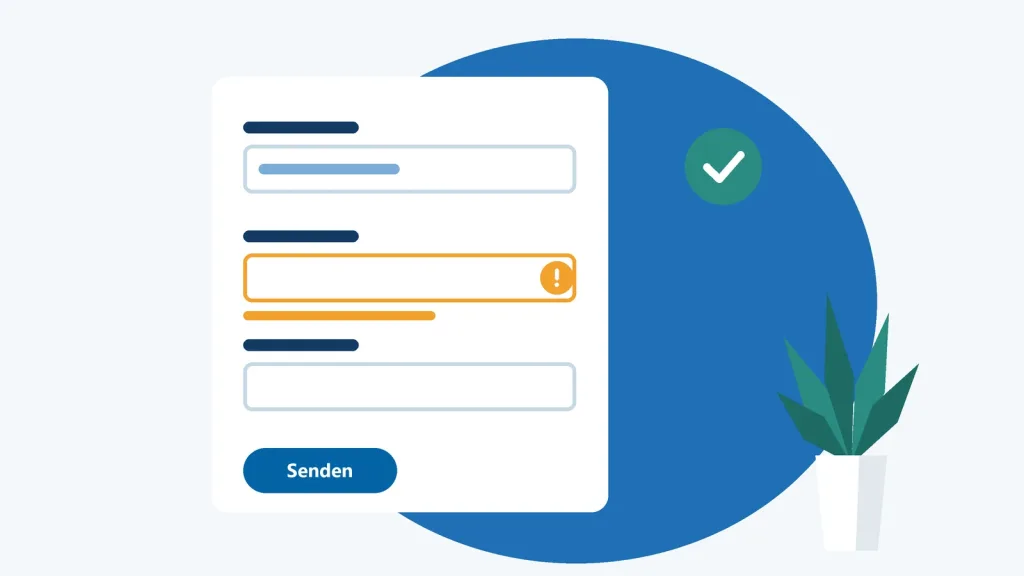
Accessible Forms: Labels, Error Messages and Logins Without Hurdles
Forms decide whether people check out, sign up or give up. Here’s how to build fields with clear labels, helpful error messages and a login that doesn’t lock anyone out.
·Design & development
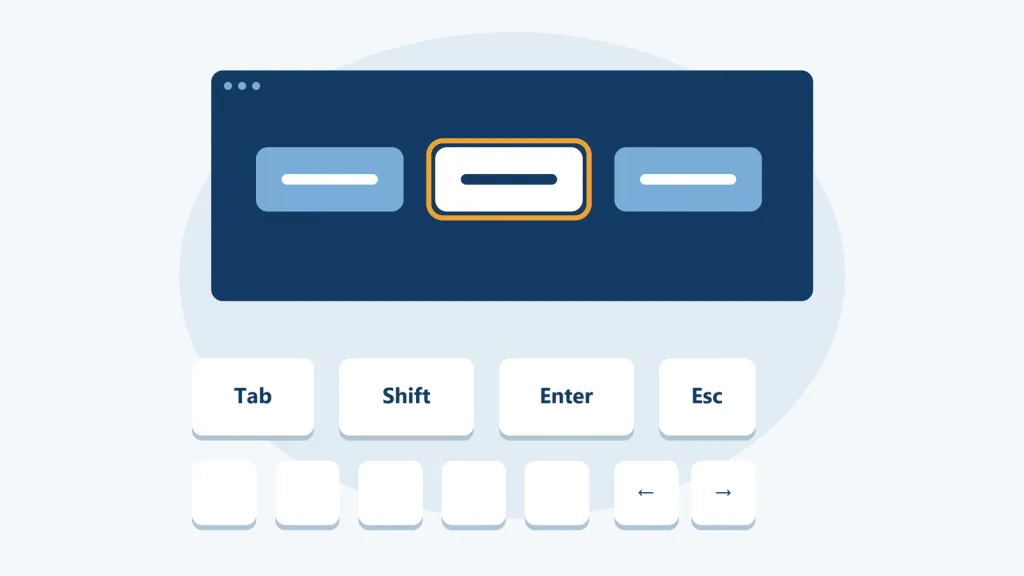
Keyboard and Focus: Making Your Website Work Without a Mouse
Not everyone uses a mouse. Learn how to make navigation, dialogs and custom components keyboard accessible, design a visible focus and use ARIA only where it actually helps.

·Design & development
Color and Contrast: Designing Interfaces Everyone Can Read
Low contrast is the most commonly detected accessibility error on the web. Learn how to check text, buttons and charts, build a robust color palette and get dark mode right from the start.